










Added to Cart
A vape may take several seconds to produce aerosol because the coil needs time to heat. If the device does not respond at all until you have been drawing for several seconds, the problem may instead involve airflow, the draw sensor, battery power, or an electrical connection. A delay that has suddenly become longer deserves a check rather than a harder or longer puff.
This guide covers general troubleshooting, not hands-on testing of the products mentioned. Product details come from manufacturer listings; health and battery-safety advice is linked to public-health sources.
Is the Device Starting Late?
Watch the indicator during normal use, if your device has one. A light that comes on promptly but is followed by weak aerosol suggests a different problem from a device that does not respond. Check the manual first: some lights show battery status or an error rather than confirming that the coil is heating.
| What happens | What it may mean | What to check |
|---|---|---|
| No response when you draw or press the button | The device is locked, has insufficient charge, or is not detecting the draw or connection | Lock status, battery indicator, exposed air inlets, and any user-removable connections |
| The normal activation indicator appears, but aerosol builds slowly | The coil is warming slowly, the power setting is unsuitable, or liquid delivery is poor | Approved settings, liquid level, coil condition, and recent cold exposure |
| The device gurgles or the draw becomes unusually tight | Condensation, flooding, or an obstructed air path may be involved | The mouthpiece and accessible air inlets |
| The light flashes or an error appears | The device may be reporting low charge, a connection fault, or a protection cutoff | The model-specific error instructions |
There is no reliable, universal “three-second fault line.” Coil design, power control, and activation systems differ. Compare the device with its own usual response, not a timing chart for another model.
What Causes the Delay?
Coil Warm-Up
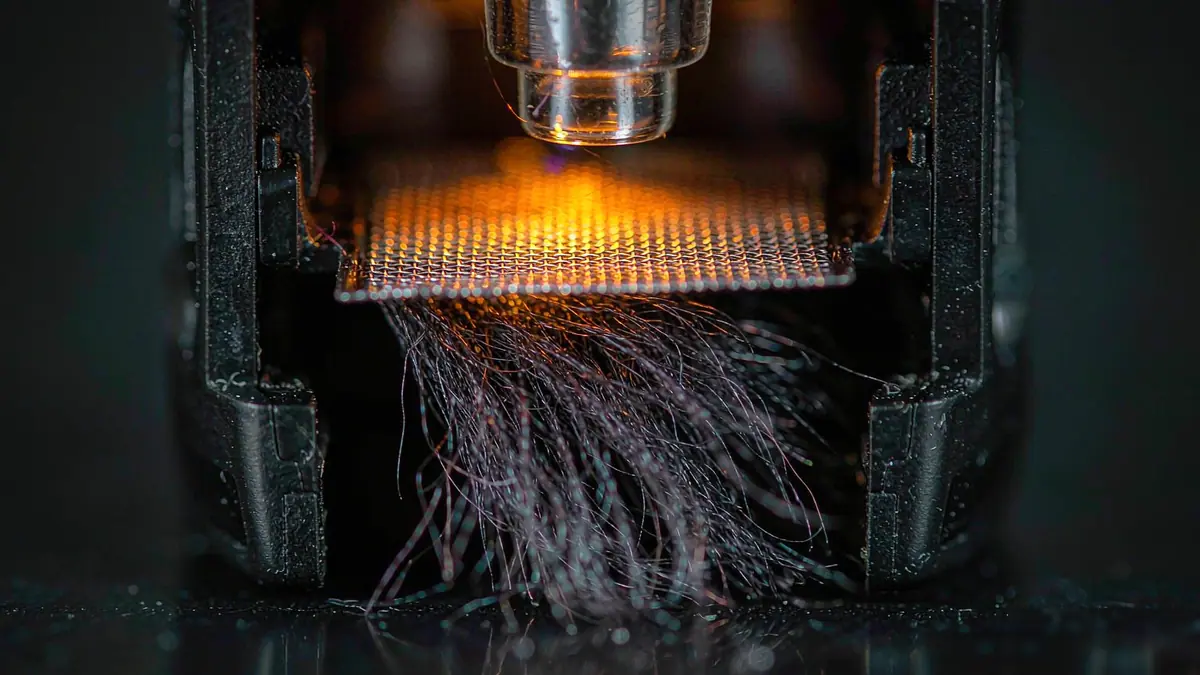
Vapes use battery power to heat liquid into an aerosol.[1] A cool coil can take longer to produce noticeable aerosol than one that is already warm. The delay depends on the heating element and power delivery; wattage alone cannot predict the startup time.
A device that has always warmed gradually is different from one that suddenly becomes slow on every draw. Do not use repeated puffs to force an abnormal device back to normal.
Airflow and Draw Detection
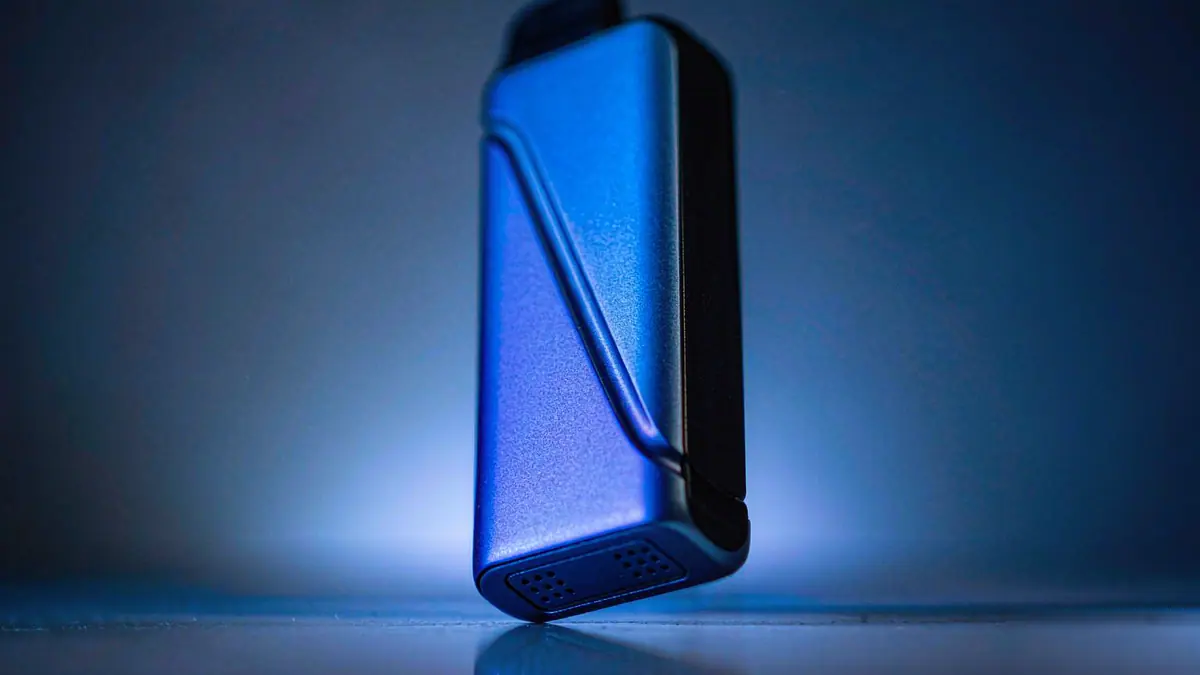
On draw-activated devices, an obstructed inlet or liquid in the air path can interfere with activation. Keep your fingers clear of the inlet and check for visible condensation. Do not block the holes deliberately, draw harder to compensate, or push a pin into the sensor.
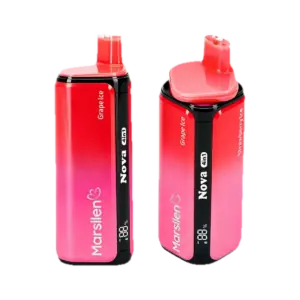
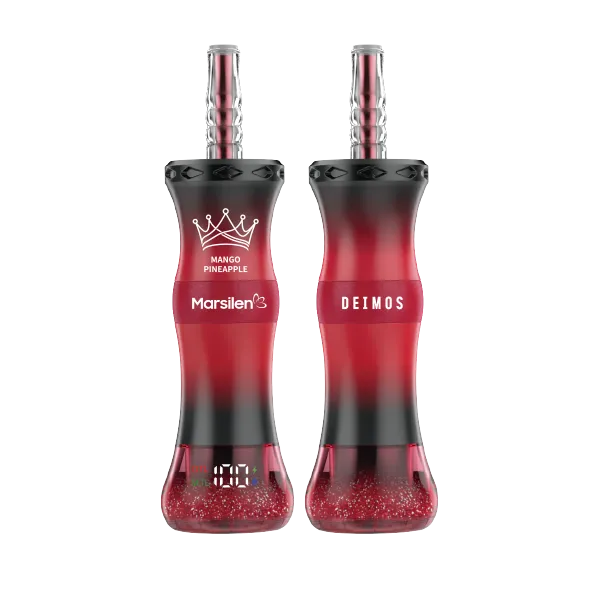
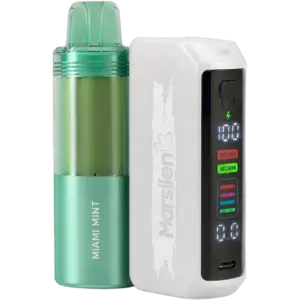
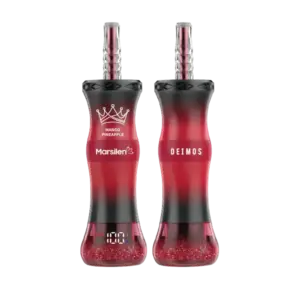
Controls also vary by model. The Deimos listing specifies DTL and MTL operation, while NOVA 4in1 uses a rotating selector for four flavor positions. Confirm the intended control position before treating a change in draw resistance or flavor as a heating fault. Neither feature establishes a required startup delay.
Battery and Connections
Low charge can reduce output on some devices. Others regulate their output until a low-battery limit is reached, then stop firing. A flashing light does not have the same meaning across brands.
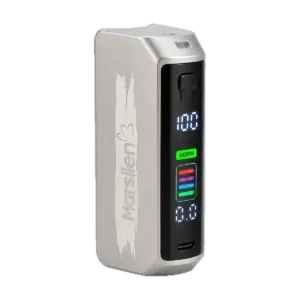
Check the exact hardware before troubleshooting a power accessory. Phobos Pro Kit and the separately listed Phobos Pro/Pro+ Battery are different product entries; confirm the supplied parts and connection instructions rather than assuming every package works the same way. Never force an attachment or open a sealed battery housing.
Liquid Supply and Coil Condition
A low liquid level, poor wicking, or a worn coil can cause weak output or a burnt taste. In refillable devices, use the liquid type specified for the coil. High-VG liquid may wick poorly in a device that was not designed for it, particularly when cold.
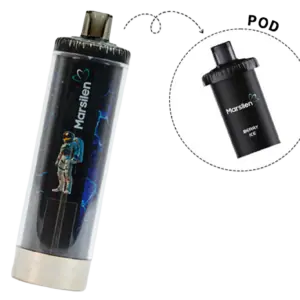
The transparent chambers on Phobos Pro and Phobos Pro+ allow a visual liquid-level check. Visible liquid, however, does not prove that the wick is properly supplied or that the coil is undamaged.
Coils do not expire on a universal seven-day schedule. Follow the manufacturer’s replacement guidance and stop using a coil that produces a persistent burnt taste. Replace it only if the device is designed for user replacement; do not dismantle a sealed prefilled device.
How to Check It Safely
- Check for damage first. Do not continue testing a device that is swollen, leaking from the battery, unusually hot, or malfunctioning after water exposure or a drop.
- Check the manual and charge status. Confirm that the device is unlocked and identify any flashing-light code. Charge rechargeable models only as instructed. Do not attempt to charge a non-rechargeable device.
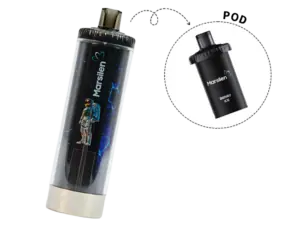
- Inspect accessible parts. Turn the device off where possible. Wipe the mouthpiece and exposed contacts with a dry, lint-free cloth. Remove or reseat a pod only if the instructions allow it. Do not rinse the body or insert tools into openings.
- Check the liquid and approved settings. For a new refillable coil, follow its priming instructions. For adjustable devices, stay within the range printed for that exact coil. Do not increase power to overcome a burnt taste.
- Address cold exposure. Let the device return naturally to the operating temperature specified in its manual. Do not use a heater, hair dryer, or other direct heat source.
The FDA advises using manufacturer-recommended batteries, protecting devices from extreme temperatures, and charging on a clean, flat surface away from flammable materials. It also advises against charging in extreme temperatures.[2]
If the delay remains after these checks, stop troubleshooting by repeated use. Send support the model name, indicator pattern, charge status, when the problem began, and whether it followed a coil change, drop, leak, or cold exposure. These details are more useful than reporting only that the device is “slow.”
When to Stop Using It
Stop using and charging the device if the battery swells, the device becomes unusually hot, it activates by itself, or it behaves abnormally after damage or water exposure. A persistent burnt or chemical taste also warrants stopping rather than taking more puffs to see whether it clears.
If someone swallows e-liquid, contact a poison information service or emergency medical service immediately. Do not wait for symptoms or try to make them vomit. Call emergency services for severe breathing difficulty, loss of consciousness, or a seizure. Keep the liquid label available if it is safe to do so, but do not delay help.[3]
Most vapes contain addictive nicotine, and their aerosol is not harmless water vapor. Keep devices and liquids away from children and pets. Children and non-smokers should not vape.[4]