










Added to Cart
A vape pod can feel loose because it is not fully seated, debris is blocking the connection, the pod is incompatible, or a retaining part is damaged. Slight movement may be acceptable on some models, but a pod that slips out, sits crooked, or will not stay connected needs attention.
Start by checking the exact model and installation instructions. There is no universal millimeter limit for acceptable movement across pod systems.
For adults of legal smoking age. Nicotine is highly addictive. People who do not use tobacco products should not start.[1]
Check What Is Moving
Hold the device upright and gently check the connection without activating it. Look for an uneven gap, a raised corner, or a pod that slides out without the normal removal action. Do not shake the device or pull harder to test its grip.
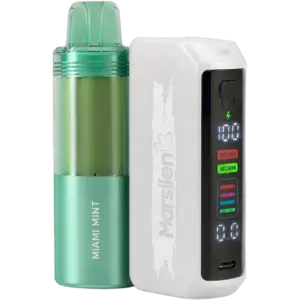
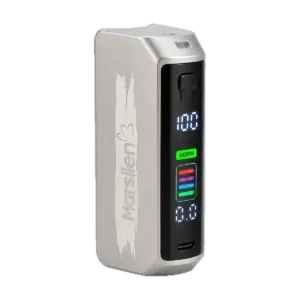
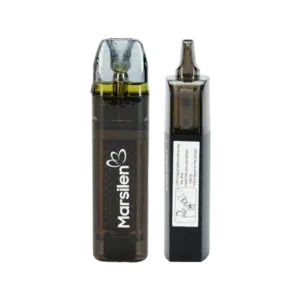
A loose mouthpiece, removable pod, and magnetic power base are different problems. On Phobos Pro+, for example, the product page describes a magnetic side attachment. Movement at that attachment should not automatically be treated as a loose liquid chamber.
| What you notice | What to check |
|---|---|
| The pod sits higher on one side. | Check its orientation and look for packaging material or debris beneath it. |
| A replacement pod feels different from the previous one. | Compare the full model name, compatibility information, and visible retaining features. |
| The connection became loose after a drop. | Look for cracks, bent edges, or displaced retaining parts. Do not bend them back. |
| The device flashes or loses power. | Check the model-specific indicator guide. Flashing alone does not prove that the contacts are dirty. |
| Liquid keeps returning after the accessible surfaces are wiped. | Stop using the device and ask support to assess the leak. |
Check the Fit and Model
Incomplete Installation
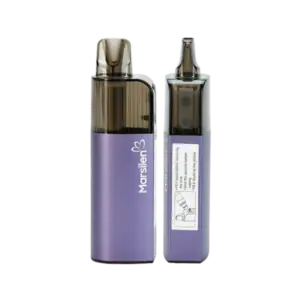
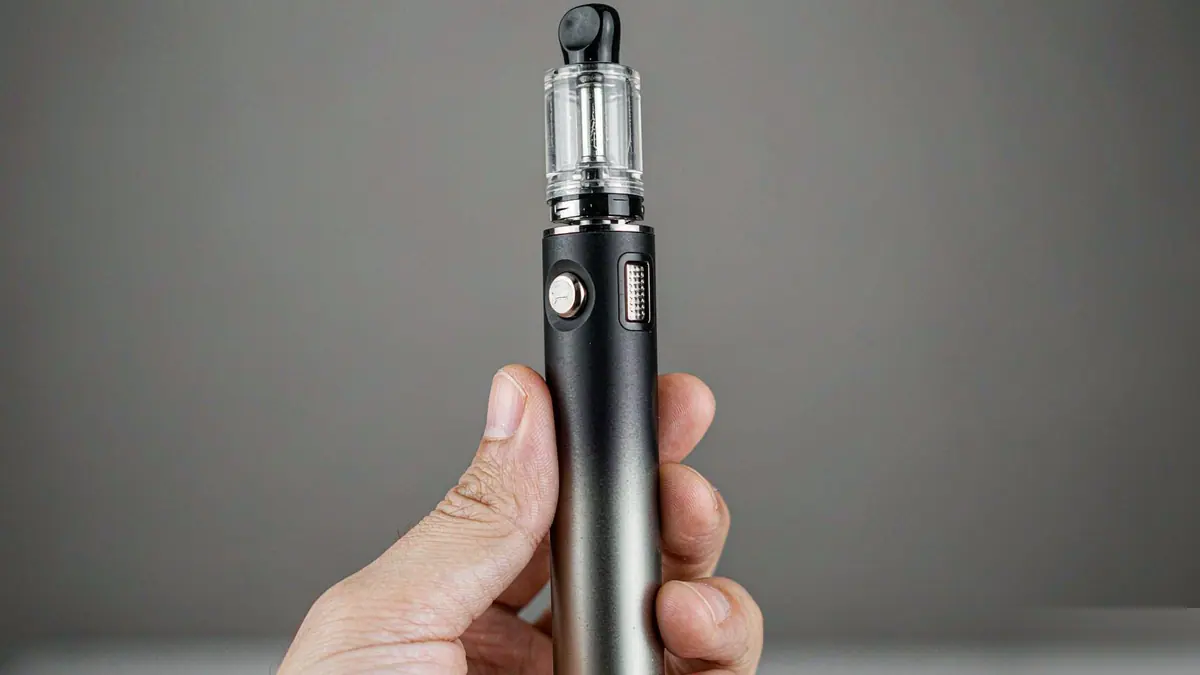
Remove and reinstall the pod only if it is designed for user removal. Check the direction shown in the instructions and remove any identified transport seal or contact sticker. Do not peel off structural labels, seals, or fitted parts.
Seat the pod with gentle, even pressure. Some connections click; others do not. If it meets resistance or stays crooked, stop rather than forcing it down.
Wrong Component
A similar shape does not confirm compatibility. Match the component to the full product name, not just the brand or flavor. For the Phobos range, distinguish the Phobos Pro device, Phobos Pro Kit, and separately listed Phobos Pro/Pro+ Battery. Confirm the supplied parts and intended connection before replacing anything.
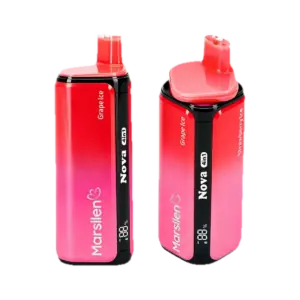
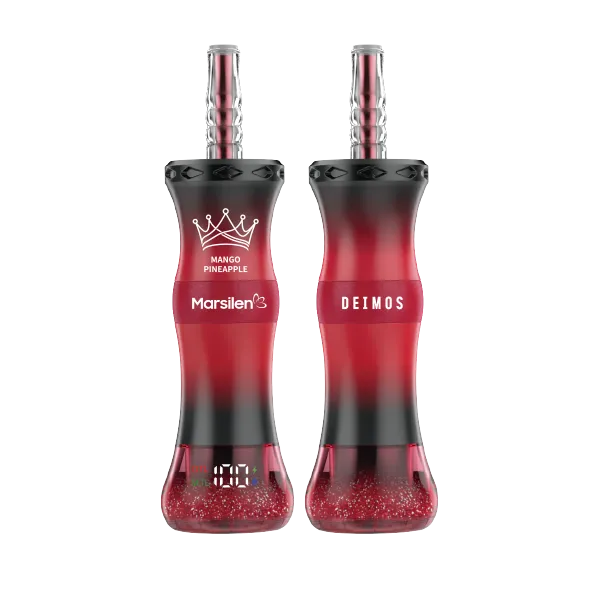
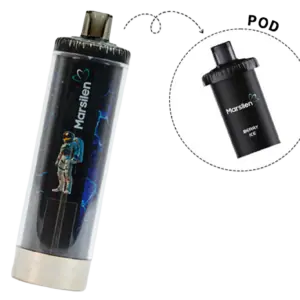
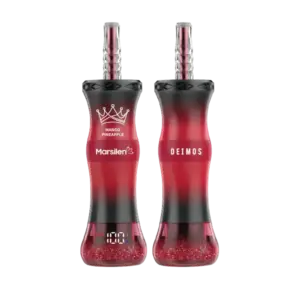
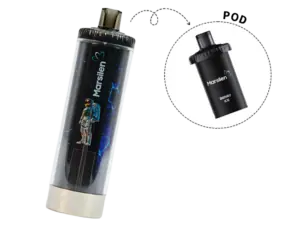
Check the device format, too. NOVA 4in1 uses a rotating selector for four flavor positions, while Deimos is listed as a single-flavor device with DTL/MTL operation. Neither description establishes that its liquid chamber is user-removable. Do not apply removable-pod instructions to a sealed assembly.
Debris or Damage
Lint or residue beneath a removable pod can stop it from sitting flat. With the device off and disconnected from charging, inspect the accessible connection. If the care instructions allow it, gently wipe exposed surfaces with a dry, lint-free cloth or swab. Do not flood the compartment, scrape contacts, or push spring-loaded pins.
Look for cracked plastic, broken clips, or loose magnets where those features are present. A worn coil and a damaged retaining clip are separate issues: reduced flavor does not prove that the pod’s outer connection has worn out.
Compare Without Firing
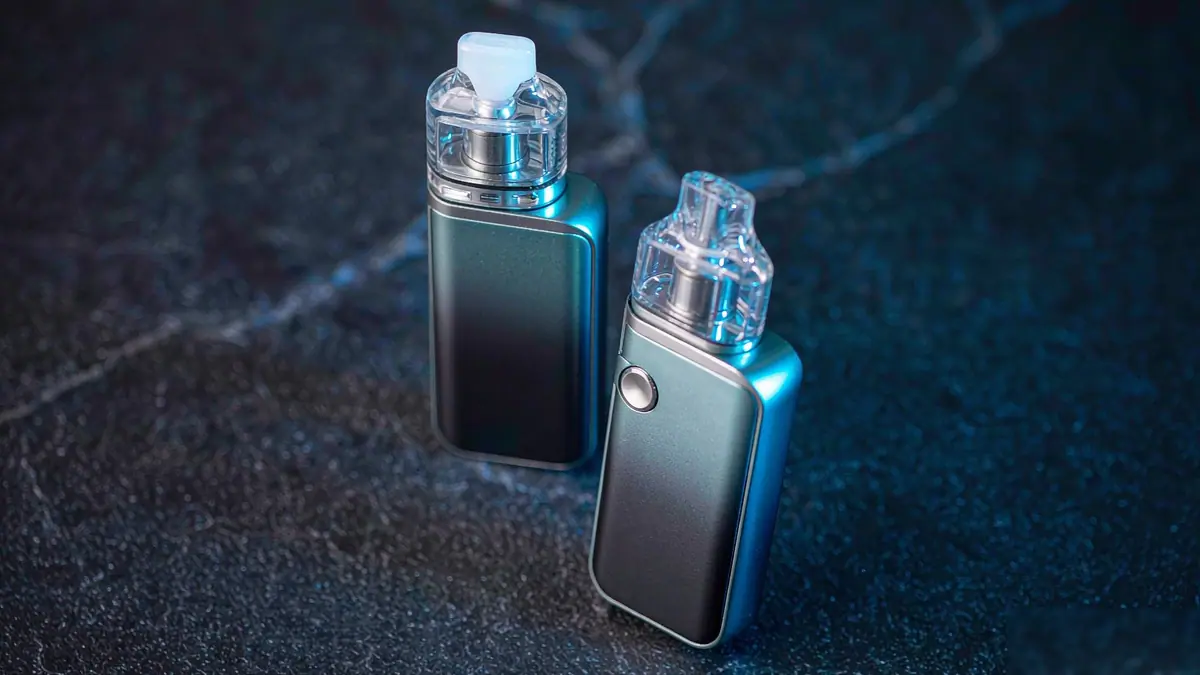
If you already have an undamaged pod confirmed for the same device, compare the two while the device is off. Keep the device and installation direction unchanged. Check the seating and retention only; do not empty a prefilled pod or activate an empty coil.
- If only one pod fails to stay seated, that pod or its compatibility needs checking.
- If both fit poorly, the device connection may need inspection.
- If the problem follows a separate power base, report that connection rather than assuming the liquid chamber is faulty.
This comparison narrows the fault; it does not certify the device as safe. Do not use repeated test puffs to prove that a loose connection has been repaired.
When to Stop Using It
Stop using the device if the pod will not stay attached, liquid continues to leak, the housing is cracked, or you notice unusual heat, swelling, a burning smell, or uncommanded activation. Do not charge a device suspected of battery damage.
The FDA advises following the manufacturer’s care instructions and protecting vapes from extreme temperatures, including hot parked cars.[2]
Keep leaking liquid away from skin, eyes, children, and pets. Nicotine exposure through swallowing or contact with skin or eyes can cause poisoning.[3]
What to Send Support
Send the exact device and component names, order number, batch code if available, and clear photos of the connection. Note whether the looseness started immediately, after cleaning, or after a drop. A short video showing movement without activating the device can help the Marsilen support team assess the fit.
Do not add tape, paper, glue, or extra magnets to hold the connection together. These changes can obstruct airflow or interfere with the contacts.
About This Guide
This is general troubleshooting guidance, not a hands-on test report for every model linked here. Product links identify device formats and components; the FDA and CDC references support the safety statements, not mechanical tolerances. Follow the instructions supplied with your exact model.